EN
DEENESIDPTRUTRUK
Set up auto-replies in Telegram from Planfix
Try for free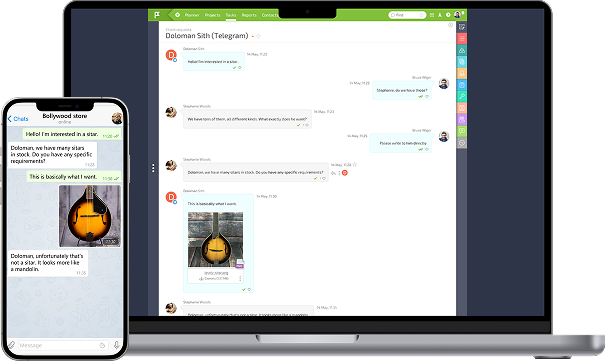


React to Planfix messages in Telegram
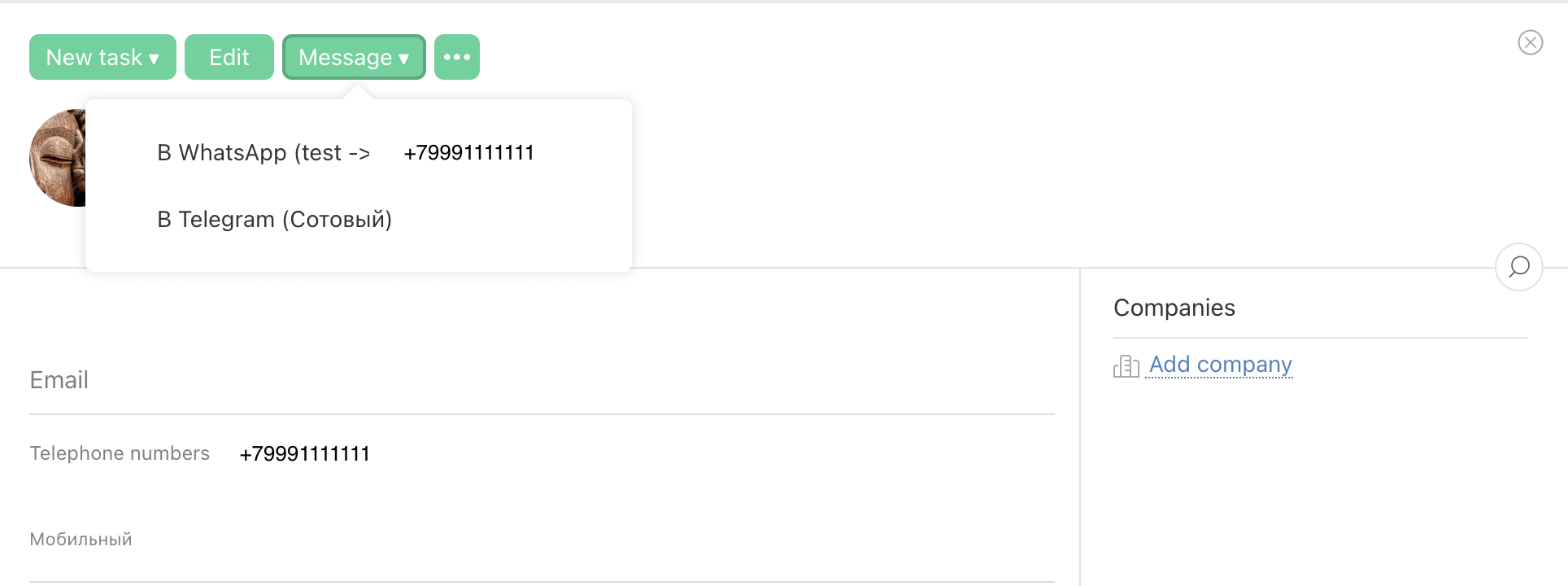
Write from any connected number
Unlimited dialogues
Automatically distribute transactions among employees
Improve the speed of processing new applications
Optimize your workflow
Place a widget button on your website
Increase the number of applications and registrations
Improve communications with customers
Start $18.90/ 30 days | Pro $25.90/ 30 daysRecommended | Enterprise $45.90/ 30 days | |||||||||||||||||
|---|---|---|---|---|---|---|---|---|---|---|---|---|---|---|---|---|---|---|---|
Write first | Start: | Pro: | Enterprise: | ||||||||||||||||
Automation | Start: | Pro: | Enterprise: | ||||||||||||||||
CRM Plugin to your website | Start: | Pro: | Enterprise: | ||||||||||||||||
Sending and receiving files
| Start: | Pro: | Enterprise: | ||||||||||||||||
Selecting a funnel for a number | Start: | Pro: | Enterprise: | ||||||||||||||||
Unlimited dialogues | Start: | Pro: | Enterprise: | ||||||||||||||||
Blacklist | Start: | Pro: | Enterprise: | ||||||||||||||||
Access to the history of all files
Storing files for 1, 6 or 12 months means that the files will be available in our cloud for the specified period. After this period expires, the files are automatically deleted from the web version. However, if you are using CRM and have saved files in the storage disk of CRM itself, they will remain there for as long as you choose to keep them until you manually delete them. | Start: | Pro: | Enterprise: | ||||||||||||||||
No limit on the number of users | Start: | Pro: | Enterprise: | ||||||||||||||||
Missed calls notification on Telegram | Start: | Pro: | Enterprise: | ||||||||||||||||
Messenger statistics | Start: | Pro: | Enterprise: | ||||||||||||||||
| Start: | Pro: | Enterprise: | |||||||||||||||||
| Start: | Pro: | Enterprise: | |||||||||||||||||
Distribution of incoming leads | Start: | Pro: | Enterprise: | ||||||||||||||||
Message reactions | Start: | Pro: | Enterprise: | ||||||||||||||||
Selecting a server location A server whose resources are only under your control is allocated on demand. Possible locations:
| Start: | Pro: | Enterprise: | ||||||||||||||||
Connecting your own S3 storage Your own S3 storage can be used to store incoming and outgoing files | Start: | Pro: | Enterprise: | ||||||||||||||||
| Connect | Connect | Connect |
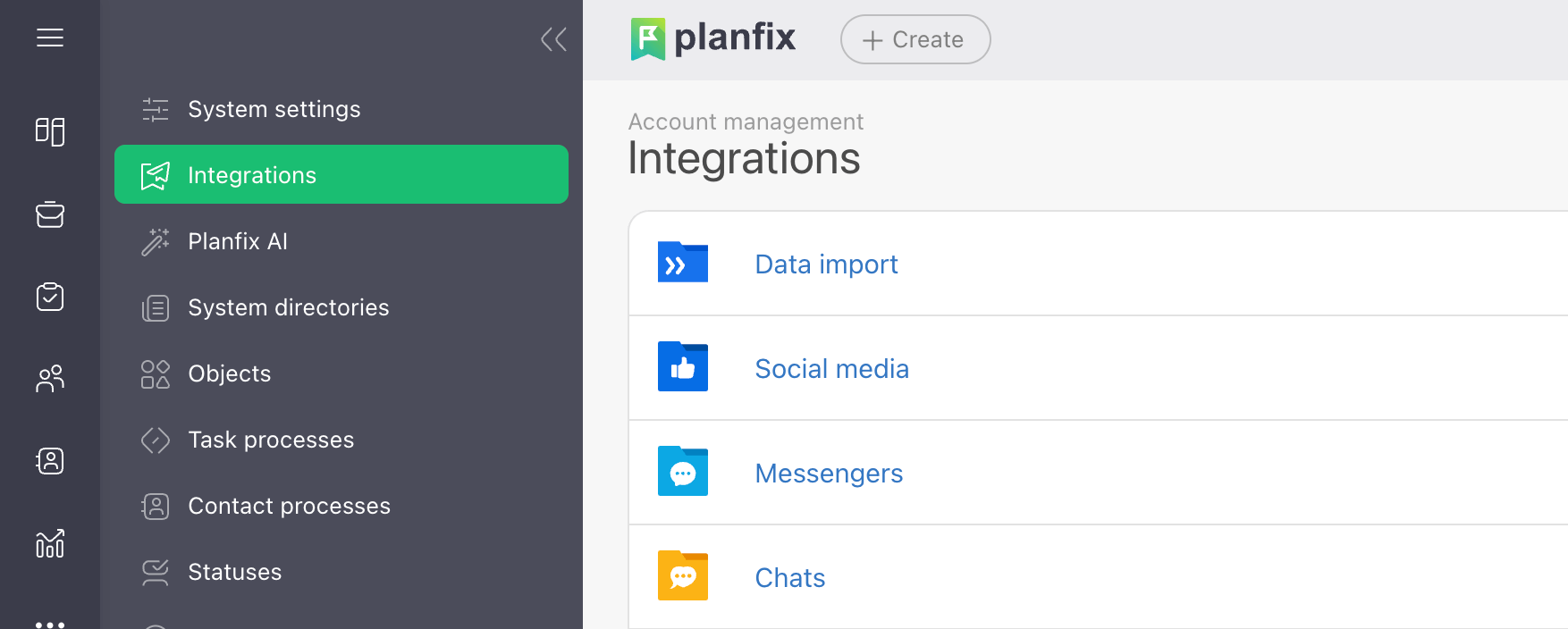
Register with Planfix CRM at planfix.ru. Follow the instructions.

Get an authorization token to connect Planfix with Telegram by Whatcrm.
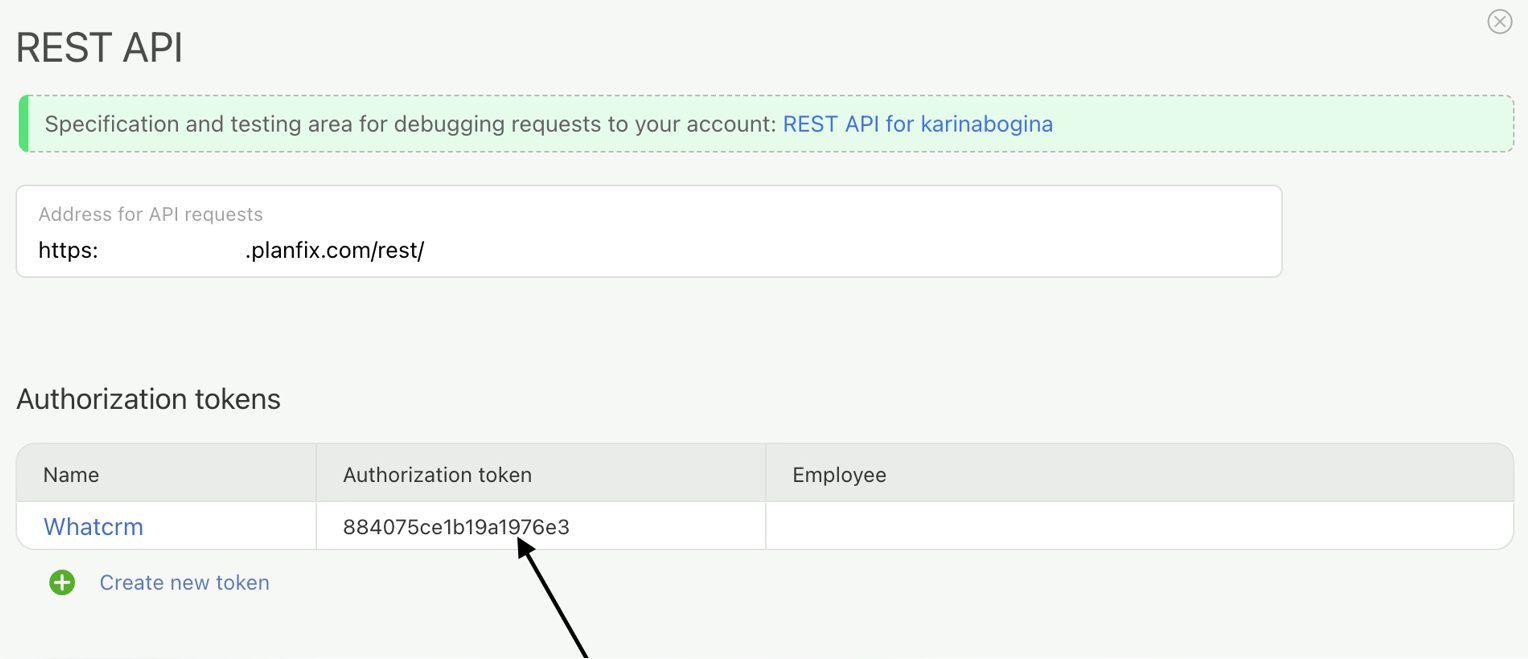
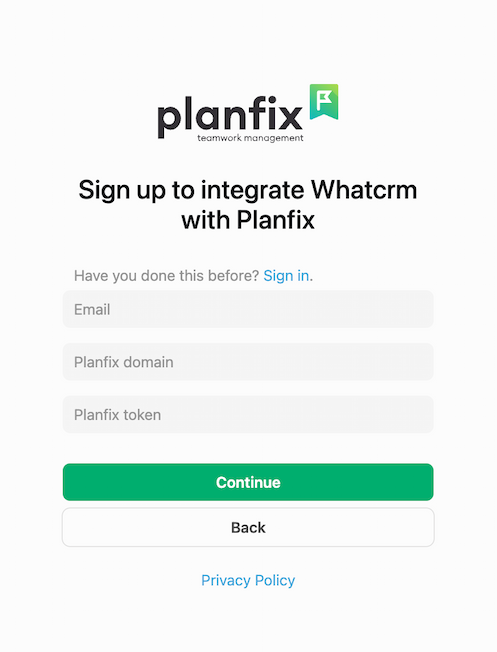
Register with Whatcrm. Follow the link. Enter your email address, full domain (insert your domain without http), and authorization token. All data must match what you entered when registering with Planfix.
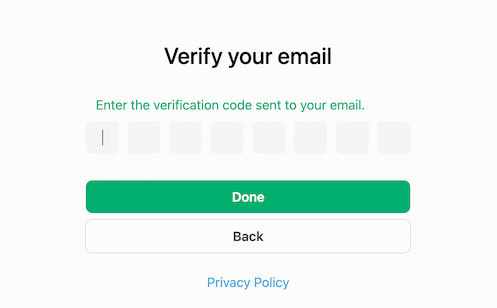
Confirm your email address by entering the verification code sent to your email address.
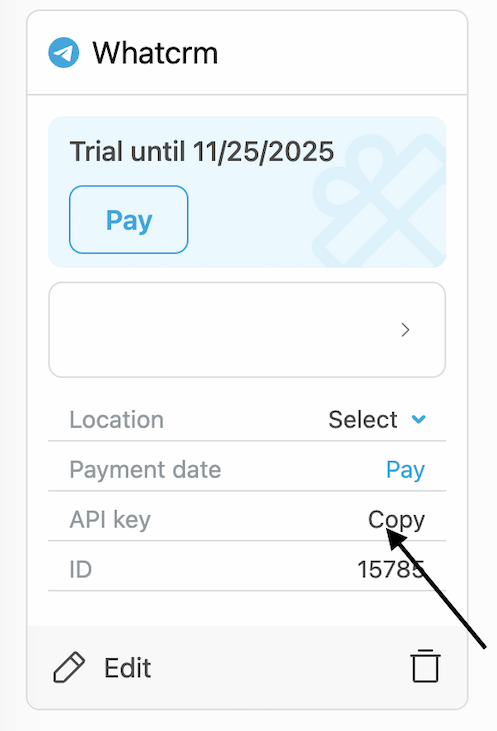
After successful verification, your personal account will open, where you need to create a connection to work with the Planfix Chat API.
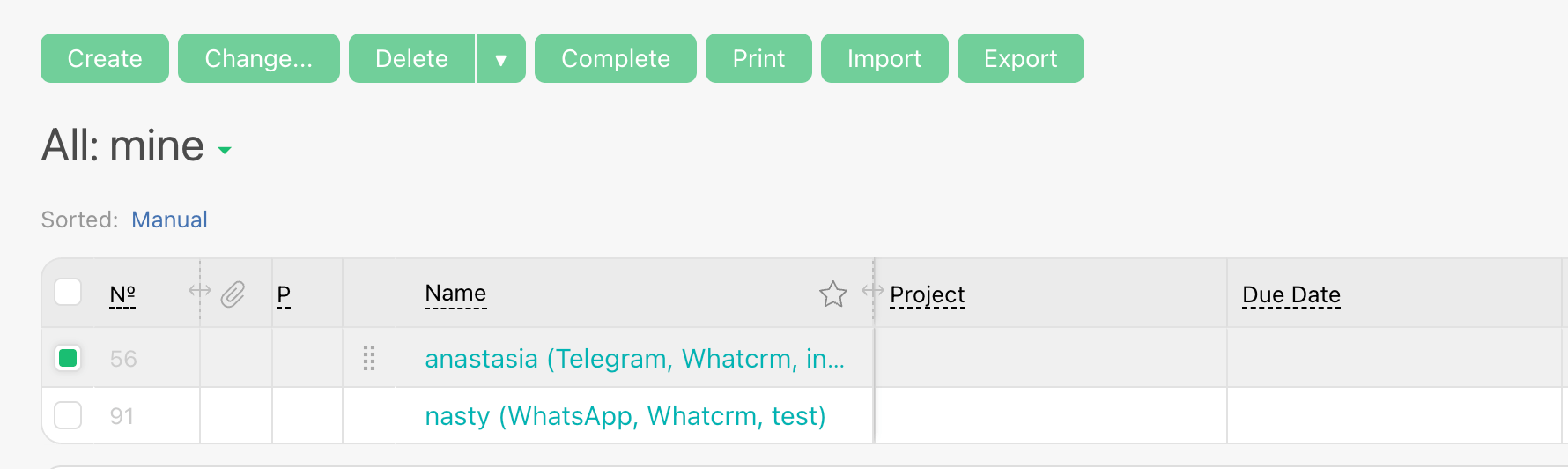
All messages that will be written after the connection will appear in the tasks. Here you’ll find detailed instructions and recommendations on how to write the first message from Planfix to Telegram.
Any questions?
Write to us via messenger